Alpine.js vs React: A 2026 Performance & Use-Case Showdown for Developers
alpine vs react, alpine js vs react, react vs alpinejs. Should you reach for React or Alpine.js for your next web project? Here is the definitive technical showdown for 2026.
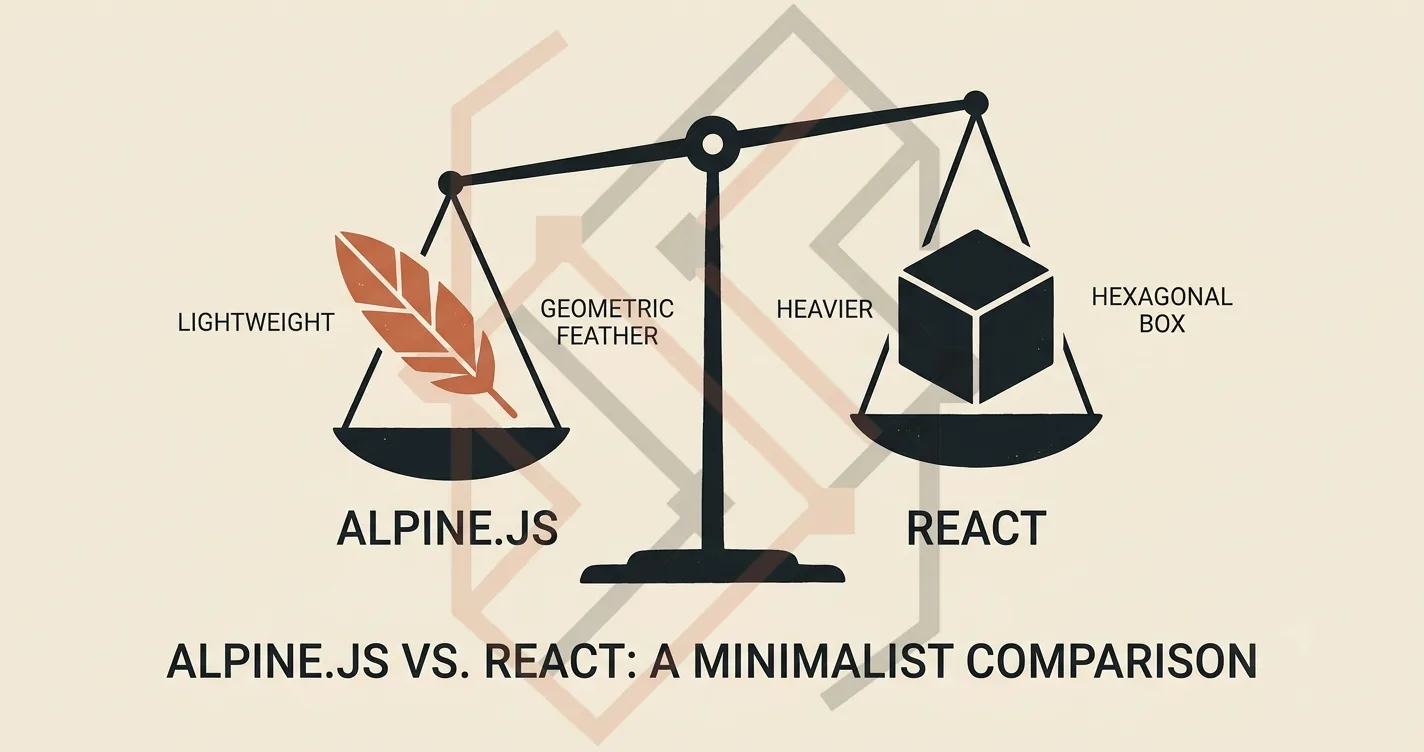
I get asked this question almost every week in my training sessions: "Teacher, I want to build a web app. Should I learn React, or should I use Alpine.js?"
It is one of the most important architectural decisions a full-stack developer can make. The problem is, most online tutorials treat this as a religious war—"React is the future!" versus "Alpine is simpler!"
As a software engineer who builds both heavy enterprise-grade Next.js applications and lightweight Laravel Blade dashboards, I have a very different take: They are not competitors. They are different tools designed for fundamentally different architectural problems.
In this guide, I am going to break down exactly when you should reach for React, when Alpine.js is the smarter choice, and why a hybrid approach is often the industry's best-kept secret in 2026.
Section 1: What is React? (The Heavyweight Framework)
React is a JavaScript library for building complex, highly interactive user interfaces. It introduced the concept of the Virtual DOM, which allows it to efficiently update only the parts of the page that change, rather than re-rendering the entire page.
However, React comes with a significant architectural overhead:
- It requires a build step: You cannot simply drop a React
<script>tag into an HTML file. You need Node.js, NPM, and a bundler (like Vite or Webpack) to compile your JSX into standard JavaScript. - State management complexity: As your app grows, managing global state (using tools like Redux, Zustand, or Context API) becomes a significant engineering challenge.
- Bundle size: A bare-bones React application, even after tree-shaking, pushes the boundaries of 40KB+ gzipped.
React is the undisputed king for building Single Page Applications (SPAs) where the user stays on a single page and navigates dynamically (like dashboards, admin panels, and highly interactive SaaS platforms).
Section 2: What is Alpine.js? (The Lightweight Sprinkles)
Alpine.js is a lightweight, declarative JavaScript framework that hooks directly into your existing DOM. It gives you the reactive, declarative power of frameworks like Vue or React, but with a tiny, tiny footprint (around 8KB gzipped).
Alpine is often described as "Tailwind for JavaScript" because you apply behavior directly to your HTML elements using attributes like x-data, x-show, and x-model.
Why this is a game-changer for shared hosting:
You don't need a build step. You can include Alpine.js via a simple <script> tag in your layout. It works perfectly with server-rendered frameworks like Laravel Blade, Django templates, or even static HTML sites, allowing you to add dropdowns, modals, and dynamic interactions without spawning a complex Node.js environment.
If your shared hosting provider blocks npm install, Alpine.js is your best friend. It sits inside the browser's memory and enhances your pre-rendered HTML without the bloat.
Section 3: The Performance Showdown (Bundle Size vs. Virtual DOM)
Let's look at the raw metrics:
- React + ReactDOM: ~42KB gzipped (minimum)
- Alpine.js: ~8KB gzipped (minimum)
On a 512MB shared hosting VPS, your frontend is competing with your backend for RAM. If you are building a simple marketing site, an educational platform, or a standard e-commerce store, a 42KB React bundle will consume memory resources that should be used for your database queries or server-side caching.
The real-world tradeoff:
- React's Virtual DOM is faster at re-rendering complex UI trees in the browser. If you have a dashboard with 300 real-time updating charts, React wins.
- Alpine's actual DOM updates are incredibly fast because they bypass the expensive virtual DOM diffing process. For standard UI interactions (forms, modals, toggles), Alpine is effectively faster on low-end devices because there is less JavaScript to parse.
I always tell my students: "Don't bring a flamethrower to kill a housefly." If you need real-time data streaming and complex component trees, bring React. If you just want a clean, interactive marketing page or a local admin dashboard with a few toggle buttons, bring Alpine.
Section 4: State Management (The Deciding Factor)
This is where the line is drawn in the sand.
React shines in "Global State": When you need to share a piece of state across distant components (e.g., a "Cart" icon in the Navbar updating based on a "Add to Cart" button in a deep product modal), React's Context API or global state stores make this easy and predictable.
Alpine shines in "Local State": Alpine is designed to manage state within a single component or a strict localized scope. Use Alpine for things like:
- Mobile hamburger menu toggles.
- Multi-step form inputs.
- Image gallery modals.
- Live search filters on product grids.
If you try to force Alpine to handle global state across multiple separate sections of a page, you will end up writing highly complex, hard-to-debug code. That is exactly when you cross the line and need to consider React.
Section 5: The Golden Rule for Full-Stack Engineers in 2026
Here is the exact mental model I use to decide which tool to grab:
Choose Alpine.js if:
- You are building a server-rendered app (Laravel, Django, Rails) and you only need some interactivity.
- You are developing on a budget shared hosting environment where you cannot run NPM.
- Your UI state is highly localized to a single component (a modal, a dropdown, a form step).
- Your app relies heavily on server-side SEO and marketing pages (Alpine boots late in the load cycle, so it doesn't block the HTML from being indexed).
Choose React if:
- You are building a Single Page Application (SPA) with complex client-side routing.
- You have multiple components that need to read and write to the same global data store.
- You are building a highly interactive real-time dashboard that requires efficient re-renders of large data tables.
The "Secret" Stack: In my own production builds, like the Almuneer LMS platform, I used Laravel Blade for the core backend admin panel and sprinkled Alpine.js into the tables and modals for interactivity. Meanwhile, for the Web Exam Platform (which had complex state for multi-step exam taking across different pages), I reached for Next.js + React to handle the heavy lifting on the frontend.
I used the exact same decision matrix to determine the frontend stack for Chandi World, ensuring the storefront stayed lightning-fast for SEO while the cart interacted seamlessly on the client side.
The Final Verdict on Alpine vs React
There is no "winner" between Alpine.js and React. There is only the right tool for the right job.
If you are a student or freelancer learning full-stack development, start with Alpine.js first to understand how reactivity works in the DOM. Then, graduate to React when you need to build larger, shared-state applications. Mastering both will make you an incredibly versatile engineer who can adapt to any existing legacy codebase or greenfield project thrown at you.
If you are planning a new web project and want a technical consultation on the best frontend architecture for your hosting and performance constraints, check out my engineering portfolio or reach out to me directly via my contact form.