Why I Choose Alpine.js Over React for Laravel Dashboards on Shared Hosting
React isn't always the answer. When you're running a Laravel admin panel on cheap shared hosting, Alpine.js is often the smarter, leaner, and faster choice. Here is exactly why.
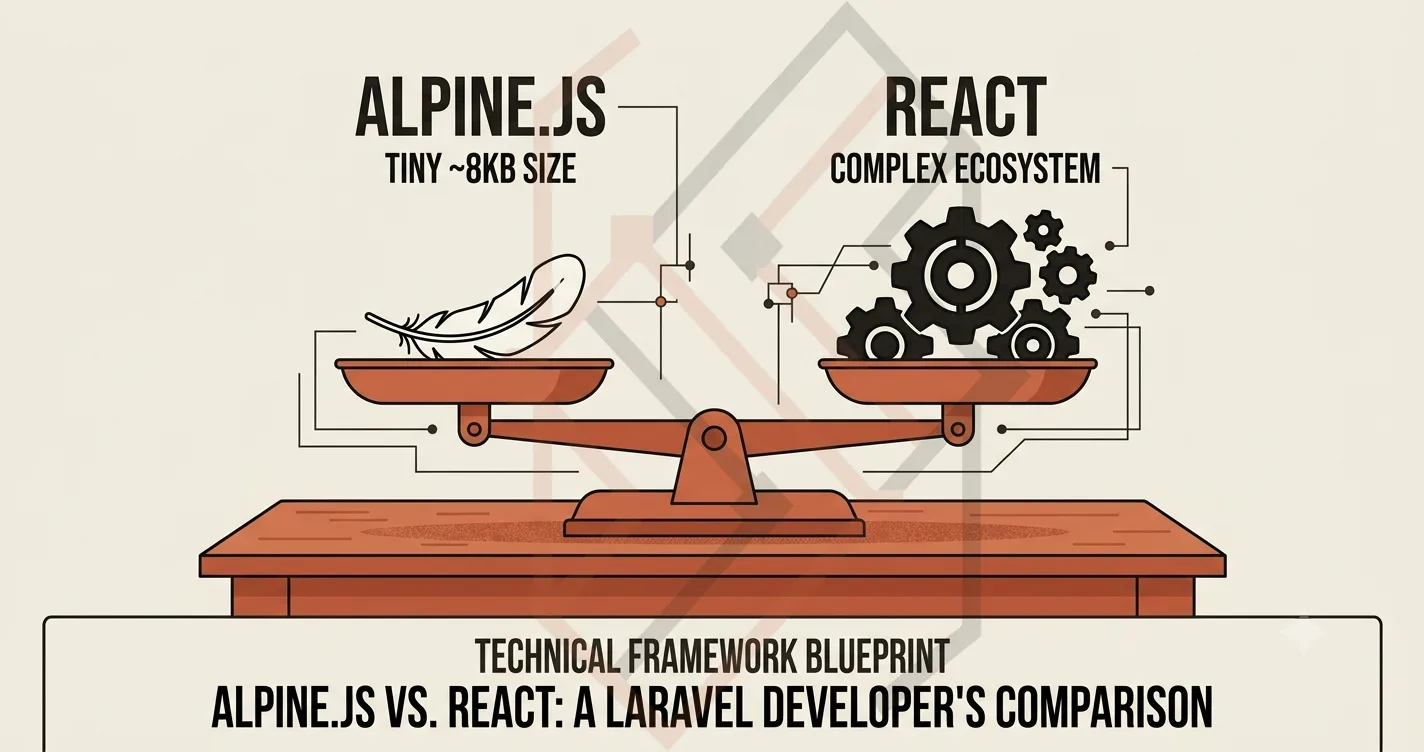
Alpine.js vs React for Laravel Dashboards: Which One Should You Choose?
I get this question constantly in my training sessions and from my freelance clients:
"Should I build my Laravel dashboard with React, or should I use Alpine.js?"
The gut instinct for many modern developers is to reach for React immediately. It's the "cool" framework. It's what the big tech companies use. But here is the hard truth I've learned from shipping multiple Laravel applications on budget shared hosting: React is often a massive architectural overkill for a simple admin dashboard.
In fact, if you are running a Laravel application on a cheap $10/month shared hosting server (like Hostinger), choosing React over Alpine.js can actually slow your app down and eat up the limited RAM your server has.
Let's break down exactly why I choose Alpine.js for dashboards, and the one specific scenario where I finally push for React.
The Fundamental Difference: Server-Rendered vs. Client-Rendered
Laravel is a server-side framework. When a user loads a page, Laravel processes the data on the server and sends a complete HTML file to the browser. This is incredibly fast, SEO-friendly, and low-memory.
React operates in a completely different paradigm. When you use React in a Laravel app (usually via Inertia.js), the server sends a nearly-empty HTML shell, and the browser has to download, parse, and execute a massive JavaScript bundle (often 40KB+ gzipped just for React itself) before the user can even see the dashboard.
Alpine.js follows Laravel's philosophy. It is a progressive enhancement tool. You write your HTML in Blade, and then you sprinkle Alpine attributes (x-data, x-show, x-model) onto the DOM. Alpine boots up incredibly fast—its bundle is only about 8KB gzipped. It doesn't fight Laravel; it enhances it.
The Shared Hosting Constraint (The Deciding Factor)
This is the part that many developers overlook. When you host on shared hosting (like Hostinger), your server has a strict memory limit. If you run Laravel + React, your server has to allocate RAM to compile the React assets and serve the initial HTML, while the user's browser also has to allocate RAM to parse the bundle.
However, with Alpine.js, the heavy lifting stays on the browser, but the bundle is so tiny that it's negligible. The server only ever has to deal with Laravel's PHP processing, which leaves more room for handling background queues and database connections.
I used this exact reasoning when building the Almuneer LMS. The admin needed to handle course approvals, student enrollments, and certificate generation—but the client was on a very tight hosting budget. I built the entire admin panel using Blade + Alpine.js. The dashboard loads instantly, the modals and dropdowns are snappy, and the server never spikes above 300MB of RAM usage.
When React Takes the Win
To be completely fair, I don't always choose Alpine. If you are building a complex frontend application—like the Web Exam Platform I built for a client—Alpine.js would fall short.
When you need:
-
Global shared state: Imagine a header cart icon that needs to update instantly when a user adds an item to a modal 5 layers deep in the component tree.
-
Complex real-time interactions: A data table with 300 rows where users can sort, filter, drag-and-drop, and edit cells without refreshing the page.
-
Heavy client-side routing: A full Single Page Application (SPA) where the user expects instantaneous navigation.
In these specific cases, React's Virtual DOM and global state management (like Zustand or Context API) become necessary tools. For the Web Exam Platform, I used React to handle the multi-step exam timer and real-time proctoring, because the state needed to persist across multiple "pages" without reloading the browser.
The Code Showdown (See the difference)
Here is what a toggle modal looks like in Alpine.js vs React.
In Alpine.js (inside a Laravel Blade file):
<div x-data="{ open: false }">
    <button @click="open = true" class="btn-primary">Open Modal</button>
    <div x-show="open" x-transition class="fixed inset-0 bg-black/50">
        <div @click.away="open = false" class="bg-white p-6 rounded-lg">
            <h2>Hello Laravel!</h2>
            <button @click="open = false">Close</button>
        </div>
    </div>
</div>
That's it. No build step. No separate JSX file. Pure HTML with a sprinkle of JavaScript.
In React:
import { useState } from 'react';

export default function Modal() {
  const [open, setOpen] = useState(false);

  return (
    <>
      <button onClick={() => setOpen(true)}>Open Modal</button>
      {open && (
        <div className="fixed inset-0 bg-black/50">
          <div className="bg-white p-6 rounded-lg">
            <h2>Hello React!</h2>
            <button onClick={() => setOpen(false)}>Close</button>
          </div>
        </div>
      )}
    </>
  );
}
You need to set up a build tool, import the component, and add it to your app entry point.
The Golden Rule for Laravel Developers
In my years of freelancing and training, I have developed a simple mental rule of thumb:
-
If the interactive parts of your UI are local and isolated (modals, dropdowns, navigation toggles, form steps): Reach for Alpine.js. It integrates with Blade flawlessly and keeps your codebase clean and your hosting costs low.
-
If you need global state management that crosses multiple page boundaries or heavy client-side routing: Reach for React (or Livewire, which is also excellent for Laravel).
Mastering the art of choosing the right tool for the specific problem is what separates a Senior Engineer from a Junior Developer. You don't bring a flamethrower to kill a fly—you bring a flyswatter.
If you are currently deciding on a frontend stack for your Laravel project and need a technical consultation on what would best fit your hosting constraints, feel free to check out my engineering portfolio or reach out to me via my contact form. I love helping developers optimize their architecture for real-world production constraints.