AURETHE: The Ultimate Laravel E-Commerce Architecture for Luxury Jewelry
33 people searched for this! Here is the exact architectural blueprint for AURETHE - a custom Laravel jewelry platform with dual-currency pricing, manual payment verification, and a dynamic key-value CMS.
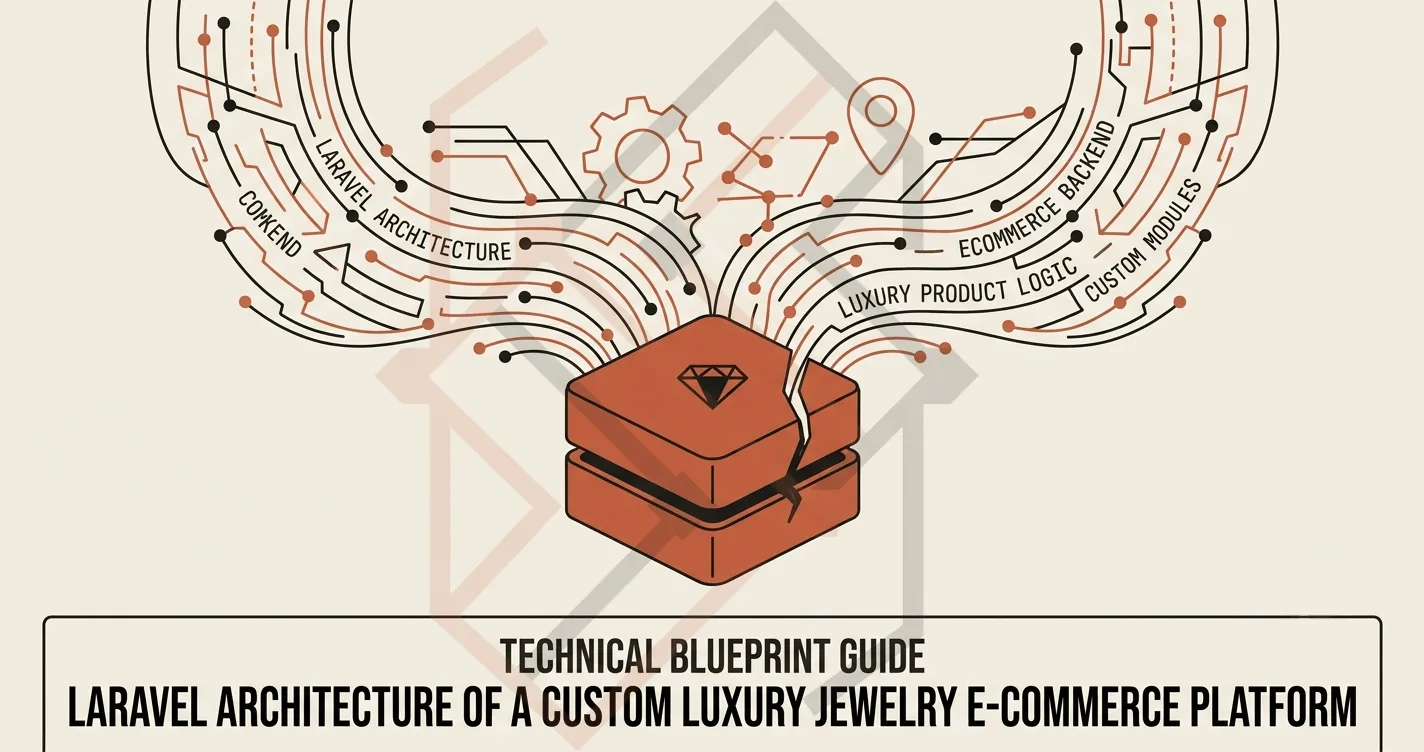
Building a Custom Laravel E-Commerce Platform: The Architecture Behind AURETHE
Whenever I sit down with a client to discuss a new e-commerce build, the first question I always ask is:
"Why not just use Shopify, WooCommerce, or a standard SaaS solution?"
For most businesses, those tools are great. But for a luxury jewelry brand operating in a market where international payment gateways are restrictive and manual bank transfers are the norm, forcing a standard SaaS template is like trying to fit a square peg into a round hole.
This is exactly why I built AURETHE from scratch using Laravel 12.
AURETHE is not just another "CRUD app." It is a deeply localized, production-grade e-commerce platform designed for the Pakistani luxury market. It handles local PKR and international USD pricing, facilitates manual bank transfer and Cash on Delivery (COD) payments, manages complex jewelry inventory attributes, and gives the business owner full control over their site's content without touching a single line of code.
If you are a developer looking for a real-world blueprint for a robust Laravel e-commerce backend, or a business owner considering a custom platform, let's break down the exact architecture I used.
1. The Geolocation & Dual Currency Engine
The first, and most important, requirement for AURETHE was handling the local vs. international customer base.
A local customer in Karachi should see prices in Pakistani Rupees (PKR). An international buyer in the UK or US should see prices in US Dollars (USD). I couldn't just hardcode a "static" exchange rate because those fluctuate daily. So, I built a dynamic system.
The Middleware:
I wrote a custom middleware called ResolveVisitorCountry. When a visitor lands on the site, it checks their IP address using a lightweight geolocation package. Here is the exact logic I used:
// app/Http/Middleware/ResolveVisitorCountry.php

public function handle($request, $next)
{
    // Only check once per session to avoid hitting the API on every refresh
    if (!session()->has('visitor_country')) {
        $position = \Location::get($request->ip());
        session(['visitor_country' => $position->countryCode ?? 'PK']);
    }
    return $next($request);
}
The Model Helper:
To actually display the price, I added a helper method to the Product model:
// app/Models/Product.php

public function displayPrice()
{
    $country = session('visitor_country', 'PK');

    if ($country === 'PK') {
        return 'PKR ' . number_format($this->price_pkr, 0);
    } else {
        return '$' . number_format($this->price_usd, 2);
    }
}
Now, when the Blade template calls {{ $product->displayPrice() }}, the user automatically sees the correct currency. No complex JavaScript needed—it renders directly on the server before the page even loads.
2. The Manual Payment Verification System
In Pakistan, Cash on Delivery (COD) and direct Bank Transfers are still the king of e-commerce. We couldn't force the client to pay a 3% + fixed fee on every transaction by forcing Stripe or PayPal.
Instead, I built a manual payment workflow that is tightly integrated into the Admin Dashboard.
The Customer Workflow:
-
The customer selects "Bank Transfer" at checkout.
-
They are shown the specific bank account details (Meezan Bank, IBAN, etc.) dynamically pulled from the
.envconfiguration. -
They navigate to their mobile banking app, send the amount, and take a screenshot of the successful transaction receipt.
-
They upload the screenshot using a file upload input on the checkout page.
The Admin Workflow:
Behind the scenes, the controller validates the image (must be JPG/PNG, under 2MB), stores it securely in Laravel's storage/app/public/payments directory, and creates a Payment record in the database with the status pending.
The admin logs into the dashboard, sees a widget labeled "Pending Payment Approvals", and clicks to review the uploaded screenshot. They have two buttons:
-
Approve: The Order status moves from
pendingtoconfirmed, and the manufacturing process begins. -
Reject: The system sends an in-app notification to the customer with a rejection reason (e.g., "The screenshot is blurry, please re-upload").
This manual human verification is essential for a luxury brand because it prevents fraudulent orders and ensures the business owner signs off on every single transaction before expensive materials are ordered.
3. The Custom Key-Value CMS (Non-Technical Admin)
The business owner needed the ability to change the homepage banners, the "About Us" text, and the "Shop" page headings without asking me to edit HTML files.
Instead of installing a massive third-party CMS like WordPress, I built a lightweight custom CMS using a single Model called PageContent.
// app/Models/PageContent.php

class PageContent extends Model
{
    protected $fillable = ['page', 'section', 'key', 'value', 'type'];
}
The admin dashboard has a "Site Content" menu where they can select a page (e.g., home, about, shop) and a section (e.g., hero, banner). They fill out key-value pairs.
To render it in the view, I use a simple helper:
{{ PageContent::get('home', 'hero_title') }}
This way, the business owner can update their marketing copy, upload new slider images, and change promotional text instantly without ever learning how to use Git or Blade.
4. Managing Luxury Inventory (The Variant Challenge)
Jewelry is not like standard clothing inventory. A single piece of jewelry can have multiple attributes:
-
Metal Purity (18K, 22K)
-
Stone Type (Emerald, Ruby, Diamond)
-
Weight (e.g., 2.5g, 4g)
If I had simply stored a variant_id on a generic table, the admin would have gotten lost in a sea of data.
I structured the database with a dedicated ProductVariant table:
Schema::create('product_variants', function (Blueprint $table) {
    $table->id();
    $table->foreignId('product_id');
    $table->string('metal_purity')->nullable();
    $table->string('stone_type')->nullable();
    $table->decimal('weight', 8, 2)->nullable();
    $table->string('size')->nullable();
    $table->integer('stock_quantity')->default(0);
    $table->timestamps();
});
This allows the admin to mark specific purity/stone combinations as "Out of Stock" while keeping the main product listing active. It also ensures that when a customer clicks "Add to Cart," the stock is reduced precisely for that variant, not the entire product catalog.
5. The Admin Dashboard: Performance Over Complexity
I made a deliberate decision to build the admin dashboard using Laravel Blade + Tailwind CSS.
Why not React or Alpine.js? Because the admin dashboard is accessed exclusively by the business owner and their staff on office computers. It does not need to be a Single Page Application. By using server-rendered Blade, the admin panel loads incredibly fast, even on the client's cheap shared hosting provider. The admin doesn't have to wait for a massive JavaScript bundle to download and parse before they can verify a payment or add a new product.
I used standard Laravel Livewire for a few small interactive components (like the "Approve/Reject" buttons), keeping the JavaScript payload negligible.
6. Analytics & Marketing Attribution
To help the business owner optimize their ad spend, I integrated both the client-side Meta Pixel and the server-side Facebook Conversions API (CAPI).
The client-side pixel tracks standard events like ViewContent and AddToCart. However, because modern browsers often block client-side tracking cookies, I also fired a server-side CAPI request using FacebookConversionService.
I used a shared eventID between the client and server to deduplicate the tracking data, ensuring the business owner gets accurate reports on which ads are actually driving sales. This was critical because the client relies heavily on Facebook/Instagram advertising to drive traffic to their luxury jewelry store.
The Final Verdict on the AURETHE Architecture
Building AURETHE was a masterclass in listening to business constraints. Instead of forcing the client to adapt to a generic SaaS template, we built a system that fit their exact workflow: local currencies, manual trust-based payments, and simple visual content updates.
Every line of code was written with one goal in mind: reduce friction for the business owner while maintaining an incredibly high standard of security and performance.
If you are currently planning a custom Laravel e-commerce build and want a technical consultation on how to handle localized payment flows, complex inventory, or admin CMS systems, feel free to check out my full engineering portfolio or reach out to me directly. I'd be happy to discuss the architecture that fits your specific business model.