Alpine.js vs React: The 2026 Decision Matrix for Laravel Developers
Still debating between Alpine.js and React for your Laravel dashboard? Stop guessing. Here is the exact decision matrix I use to choose the right frontend tool for the job.
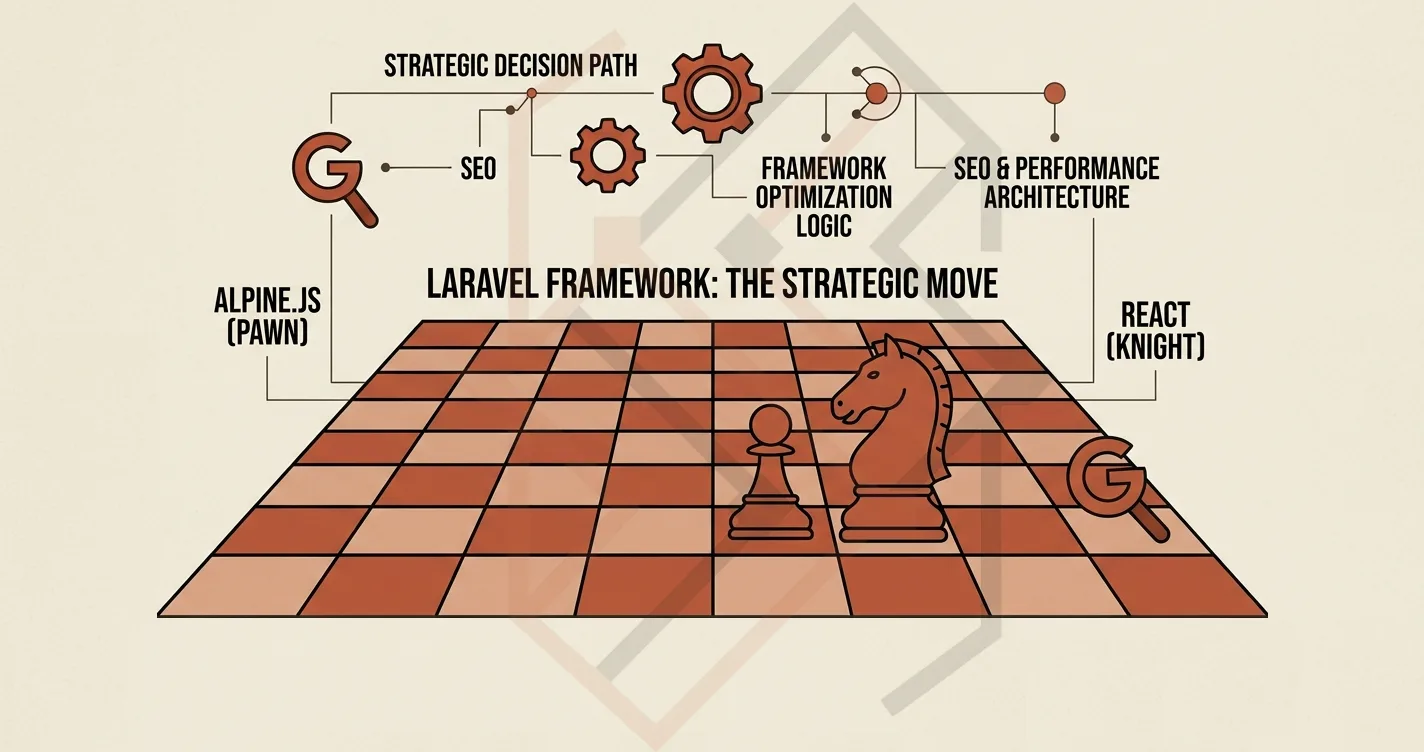
I’ve been teaching developers for a long time, and the question I hear more than almost any other is: “Teacher, when should I use Alpine.js, and when should I use React?”
It's a very fair question. With the rise of Next.js and the maturity of React, developers feel pressure to default to it. But as I write in my Alpine vs. React showdown—the real answer isn't "one is better than the other." It’s about understanding the specific constraints of your application.
If you are building a Laravel application on shared hosting, the answer tilts heavily toward Alpine.js. But if you are building a Single Page Application (SPA) with complex global state, React is the necessary evil.
Let’s break this down into a simple, practical Decision Matrix you can actually use when you sit down to start your next project.
The Core Difference: Local State vs. Global State
The entire decision hinges on one question: Is your state local or global?
Alpine.js wins when:
- Your UI interactions are isolated to a single component.
- Examples: Mobile hamburger menus, image gallery modals, "Show/Hide" toggles, multi-step form inputs.
- The Code: You write it directly inside your Blade HTML file. It weighs barely 8KB gzipped. It injects zero blocking JavaScript into the page load.
React wins when:
- You need to share state across multiple parts of your application (e.g., a sidebar cart that updates instantly when you click "Add to Cart" deep in a product modal).
- You need complex client-side routing that mimics a native app.
- Your UI updates extremely frequently based on real-time data.
The Decision Matrix Table
To help you visualize it, here is the exact matrix I teach in my classes:
| Requirement | Choose Alpine.js | Choose React |
|---|---|---|
| Hosting Constraints | Shared Hosting / VPS with low RAM | Modern Cloud / Vercel / Dedicated Edge |
| UX Interactivity | Sprinkles (dropdowns, toggles, modals) | Heavy SPA (global dashboards, real-time charts) |
| State Management | Local Scope (just the button or modal) | Global Scope (cart data, user data, routing) |
| Learning Curve | 2 hours (Blade developers pick it up instantly) | 2 months (requires JSX, TypeScript, build tools) |
| SEO Impact | Zero - it's server-rendered HTML | Excellent (SSR) but requires careful configuration |
| Bundle Size | 8KB | 40KB+ (React + ReactDOM) |
The "Shared Hosting" Decisive Factor
Since my readers and students are frequently deploying on cheap shared hosting (like Hostinger), there is an absolute winner here: Alpine.js.
On shared hosting, your memory is limited. If you try to run a full React dashboard with complex API calls, the browser will download a massive 40KB+ bundle, parse it, and hydrate the DOM. On older devices or slower networks, your dashboards will lag.
Alpine.js, however, bypasses all of this. It applies to the actual DOM directly. When I built the admin dashboard for AURETHE, I deliberately chose Alpine.js. The client needed a clean, fast experience to verify payments and update orders. A React bundle would have been absolutely overkill for a page that just needed a few interactive toggles and dropdowns.
The Scenario Where React Takes the Crown
Now, to be completely fair, I also use React heavily. I used React (Next.js) for the frontend of Chandi World and the Web Exam Platform.
Why? Because in those cases, the user experience demanded a Single Page Application. The exam platform needed to handle real-time timers without page reloads. The luxury jewelry store needed static generation for SEO at the edge.
When you are building a true SPA, React's Virtual DOM and ecosystem of state management libraries (like Zustand or Redux) become the undeniable right choice.
The Performance Trap (Don't Blindly Port React Logic)
Here is the trap I see junior developers fall into: They write a component in React, realize it's heavy, and then try to "port" the exact same component to Alpine.js.
That almost never works. Alpine.js is designed for sprinkling functionality onto HTML. It works best when you avoid complex component nesting and global providers.
When I switched Almuneer's frontend to Alpine.js, I didn't copy the React code. I rewrote the logic from scratch, using Alpine's x-data and x-model to manage the form state within the Blade view. It was 70% less code, and the performance improvement was immediately noticeable.
Your Final Checklist
Before you start coding your next Laravel project, walk through this checklist:
- Do I need a client-side router? If yes, choose React (Next.js). If no, Alpine.
- Are my components isolated or connected? If isolated, Alpine. If connected, React.
- What is my server's memory limit? If it's under 1GB, choose Alpine.
If you need a second opinion on your frontend architecture for a specific project, feel free to check out my engineering portfolio or reach out to me directly. I'm always happy to help developers navigate these architectural trade-offs.