Laravel vs Next.js: A 2026 Guide for Choosing the Right Stack
Still debating between Laravel and Next.js for your next web project? We break down performance, SEO, cost, and ideal use cases for both frameworks in 2026.
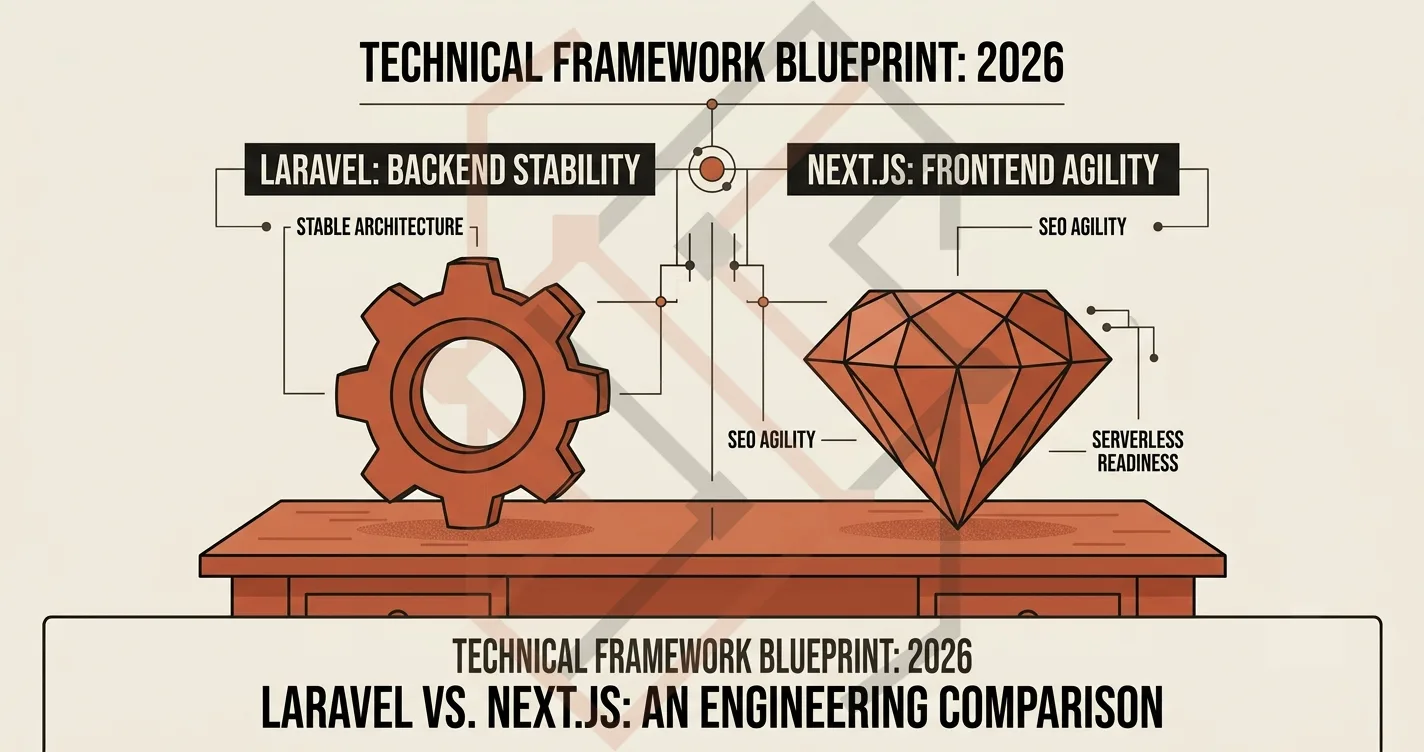
If you ask ten full-stack developers which framework to use for your next project, you’ll likely get ten different answers. The age-old debate of Laravel vs Next.js isn't about which one is "better"—it's about understanding the strengths of each and choosing the right tool for the specific business problem.
As a software engineer who builds both custom Laravel monoliths and full-stack Next.js applications, I want to break down the real-world differences in performance, SEO, and development speed so you can make the right choice for 2026.
1. Laravel: The Backend Powerhouse
Laravel is the undisputed king of PHP frameworks. When you need to handle complex business logic, database transactions, background queues, and administration dashboards, Laravel gets out of your way and lets you build fast.
Best Use Cases for Laravel:
- Heavy business logic & data processing: Applications that require complex API architecture, database relationships, and scheduled tasks.
- Internal admin panels and back-office tools: Building robust dashboards for your team.
- Shared Hosting & VPS environments: Laravel can run efficiently on budget-friendly shared hosting when properly optimized (as I documented in my earlier guide on running Laravel on cheap shared hosting).
- Monolithic full-stack apps: When you want the backend and frontend tightly coupled under one framework.
Where Laravel actually wins the race: What truly makes Laravel stand out is its ecosystem and ORM.
- Eloquent ORM: Instead of writing raw SQL queries, Eloquent allows you to interact with your database using PHP classes, offering a highly secure, Active Record implementation that prevents SQL injection attacks natively.
- Migrations & Seeding: You can version-control your database schema. When I deployed the Almuneer LMS, the ability to run
php artisan migrateon a fresh server instantly created 31 tables with the correct foreign key constraints. There is no manual SQL copying required. - Queues & Scheduling: Laravel’s built-in job queuing system allows you to defer heavy tasks (like sending email confirmations or processing image uploads) to the background.
I recently used Laravel to build Almuneer, a bilingual Islamic LMS, and the AURETHE jewelry platform. In both cases, the complex database schemas, manual payment verification, and admin reporting were best handled by Laravel's Eloquent ORM and service layers. The manual payment verification needed a robust PaymentVerificationController with state tracking, which Laravel handled beautifully with its event/listener system.
2. Next.js 14: The Frontend Frontier
Next.js (now on version 16) has completely revolutionized how we build React applications. With the App Router, server components, and the ability to deliver static or dynamic content effortlessly, Next.js shines at the edge.
Best Use Cases for Next.js:
- High-traffic content sites & marketing pages: Blogs, portfolios, and landing pages where speed and SEO are paramount.
- Jamstack & Serverless architectures: Deploying on Vercel with automatic edge caching.
- Highly interactive user interfaces: When complex client-state management is required (like real-time UIs or multi-step forms).
- Hybrid E-commerce: Pairing a lightning-fast Next.js storefront with a separate API backend.
The "Fine Control" that puts Next.js ahead:
The magic of the App Router lies in the folder structure. You can define dynamic routes by simply adding [slug] folders and export server-side functions.
sitemap.tsandrobots.ts: Generate fully dynamic sitemaps and robots files directly inside your pages, rather than editing raw.xmlfiles.opengraph-image.tsx: You can generate dynamic Open Graph images on the fly, allowing you to inject product names, prices, or blog titles directly into the image preview when shared on social media.- Server Components: You can fetch data directly from a database or API inside your React component, running the logic on the server, passing the fully rendered HTML to the client with zero JavaScript overhead for that specific render cycle.
For the Chandi World luxury jewelry platform, the client wanted an editorial, design-forward storefront. We paired a Next.js 16 frontend with a NestJS backend (very similar to Laravel's modular structure) to get the best of both worlds: a brutalist, SEO-rich public storefront, and a robust API for handling custom jewelry orders.
3. Performance & Hosting: A Tale of Two Environments
When I consult with clients, hosting constraints usually dictate the stack.
- Laravel: Out of the box, it handles dynamic requests beautifully. However, it relies heavily on server-side CPU (PHP-FPM). On a 512MB VPS, using Redis caching, Opcache, and Vite for asset compiling can bring response times down to under 100ms. It also handles massive database queries well because PHP-FPM processes are designed to handle heavy transactional loads.
- Next.js: Because it can generate static pages (SSG), the Time to First Byte (TTFB) is incredibly low. It excels at edge delivery. However, if you heavily rely on server-side rendering (SSR) for database-heavy pages, you might find it uses significantly more memory on your Vercel hosting plan than a traditional Laravel server. Next.js uses Node.js memory to hold those Server Components open, which can quickly eat up a standard VPS's memory.
The "Tech Debt" factor: If you have a massive legacy database and complex SQL reporting requirements, Laravel's database abstraction layers and join capabilities are far superior and easier to optimize than trying to wrangle that same data inside a Next.js Server Component.
4. SEO: The Battle for Ranking
Both are absolute champions for SEO. But the mechanics are different.
- Laravel + Blade: You write clean, server-rendered HTML. It is instantly understood by Google's crawlers. You get rich, semantic HTML output directly from the server. Googlebot hits the URL, gets a fully formed page, and indexes it instantly. You don't have to worry about JavaScript execution delaying the index.
- Next.js (App Router): It offers incredibly fine-grained control over metadata,
sitemap.xml,robots.txt, andnext/ogfor Open Graph images. Plus, Server Components allow you to fetch data directly on the server and inject it into the HTML, making it incredibly SEO-friendly. For marketplaces or high-content websites, Next.js offers a massive advantage because you can programmatically generate individualog:imagetags for every single product variation.
5. The Hybrid Approach (The Ultimate Full-Stack)
Here is a secret that senior architects use: You don't have to choose just one. The industry is moving toward Headless architectures. You can use Laravel as your backend API (handling orders, payments, and database migrations) and Next.js as your frontend (handling the user interface, AI semantic search, and SEO).
In this architecture:
- Laravel runs on a cheap VPS, handling the
POSTrequests for checkout, running database migrations, and processing PDF invoices. - Next.js runs on Vercel, quickly fetching the data via the Laravel API and pre-rendering the homepage and product pages to be blindingly fast.
I used this exact split for the Web Exam Platform I built (a custom Next.js monolith), and it scales beautifully. For Chandi World, the NestJS backend acts precisely like Laravel, managing the internal manufacturing timeline, while the Next.js frontend handles the customer-facing marketing.
The Decision Matrix (Pick Your Path)
To make this extremely easy for you, here is my final verdict matrix:
| If you are building... | Your Stack | Why |
|---|---|---|
| A SaaS Admin Panel, Complex ERP, or Internal LMS | Laravel (with Blade/Livewire) | You need robust database relationships, background queues, and strict role-based access out of the box. |
| A Marketing Blog, Landing Page, or Content Platform | Next.js (with SSG) | The edge caching, static generation, and built-in OG image tools will give you lightning-fast speeds and top search rankings. |
| A Luxury E-Commerce Store or Interactive Marketplace | Next.js Frontend + Laravel Backend (Hybrid) | You get the best of both: a beautiful, interactive UI that ranks on Google, and a rock-solid API backend handling product catalog, inventory, and payments. |
So, which one should you choose? If you are building a complex ERP, a highly structured LMS, or an admin-heavy dashboard, go with Laravel. If you are building a modern marketing site, a highly interactive SPA, or a jamstack e-commerce brand, go with Next.js.
And if you want the absolute best of both worlds, use Laravel for the backend logic and Next.js for the frontend UI.
Looking to build your next product and unsure which stack fits? Check out my full portfolio projects or get in touch and we can architect the perfect solution for your specific business constraints.